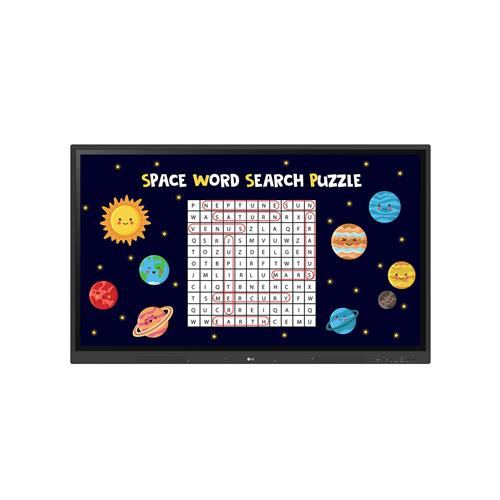
LG 75 IPS UHD Multi Touch CreateBoard with Android 11 OS Wireless & Bluetooth Built-in whiteboarding software
Now £1,519.06
Was £1,874.99
At Quzo UK
In stock · Price checked 25 Nov 2026
View at Quzo UK (opens in a new tab)Links to shops are affiliate links: we may earn a commission if you buy, and it never changes the price you pay. How we make money
Where to buy
| Shop | Price | Stock | Last checked | Buy |
|---|---|---|---|---|
| Quzo UK |
Now £1,519.06
|
In stock | Checked 25 Nov 2026 | View at Quzo UK (opens in a new tab) |
Links to shops are affiliate links: we may earn a commission if you buy, and it never changes the price you pay. How we make money
Prices checked 25 Nov 2026
Key facts
- Price
- £1,519.06
- Shops
- 1 shop
- Sold at
- Quzo UK
- Brand
- LG
- Last checked
Get a price alert
Details
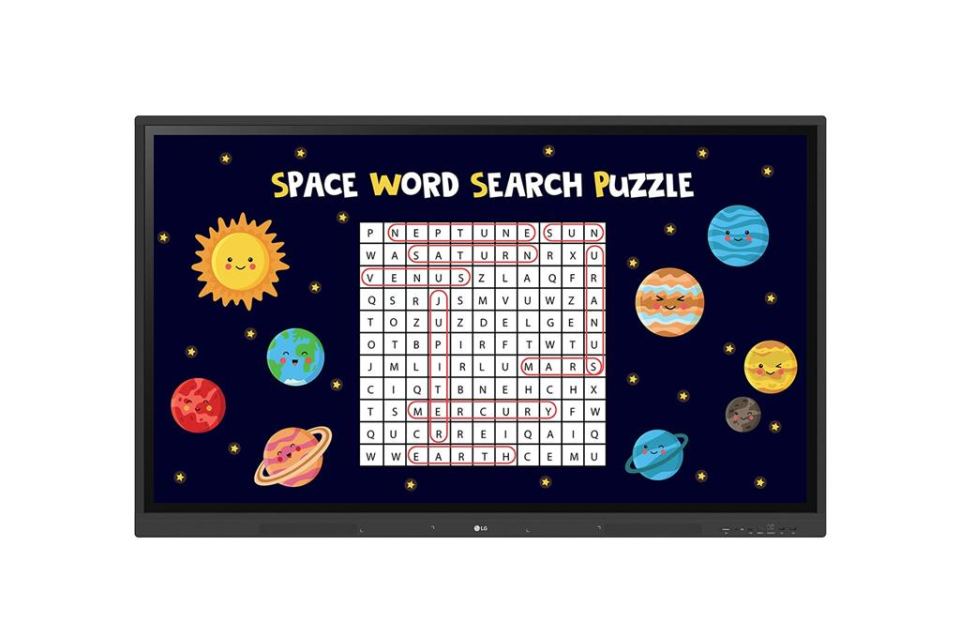
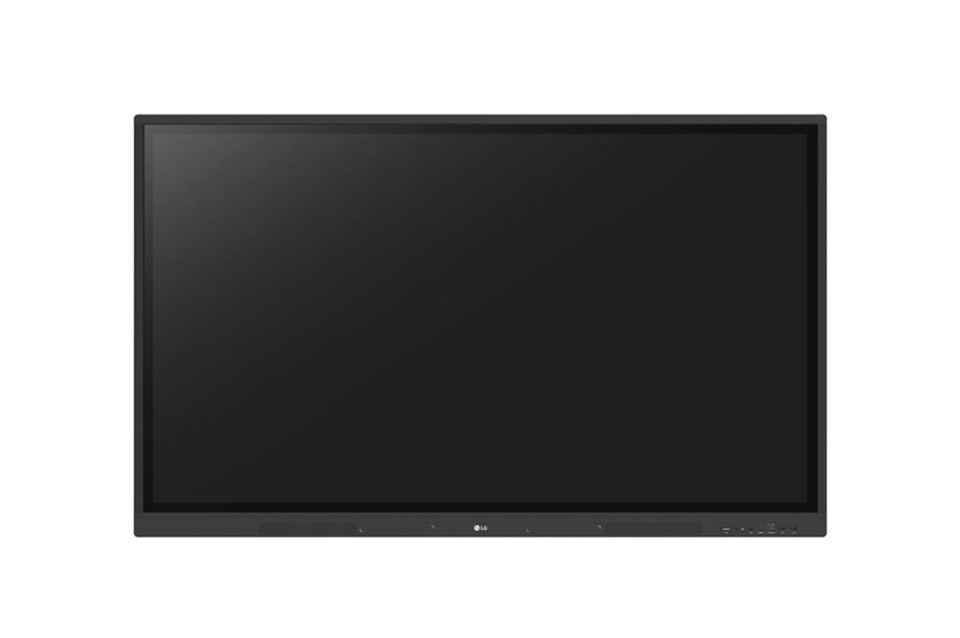
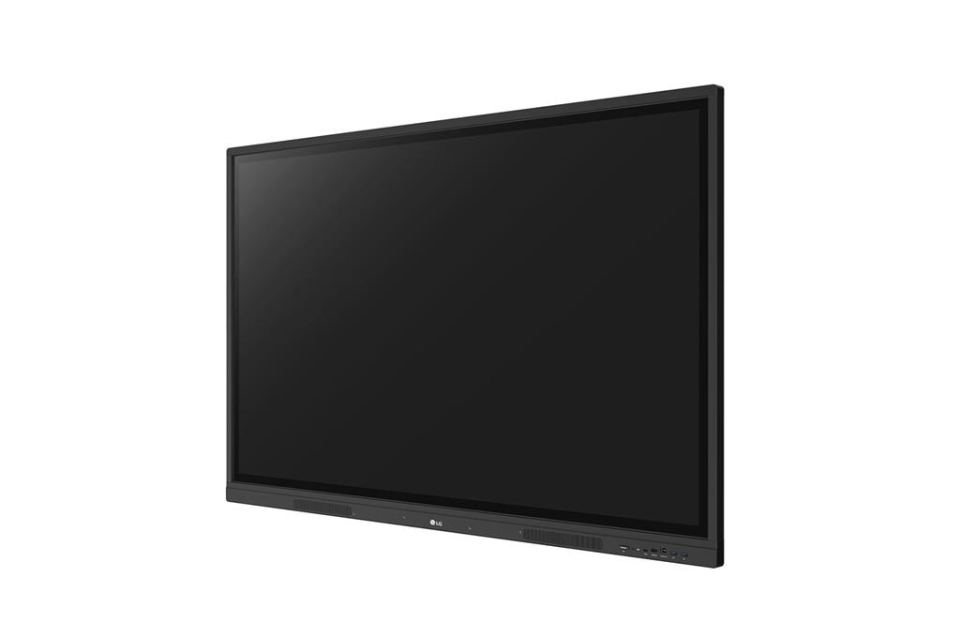
A New Level of Classroom with LG CreateBoard Ready to Create? LG CreateBoard Lab offers a variety of educational templates and teaching tools such as a ruler table and sticky notes allowing for active engagement by students and enabling intuitive classes. Editing images and videos becomes easy with LG CreateBoard and created resources can be easily shared with others through connected cloud devices. Multi-touch LG CreateBoard can simultaneously detect up to 40 points for multi-touch functionality. This creates a lifelike board touch experience helping students easily become accustomed and truly engage in classes. Wireless ScreenShare LG CreateBoard Share enables users to show up to 9 shared screens or a file on a screen in real-time when the LG CreateBoard Share app is installed on the device. Files from the host can be easily sent to any devices connected to the LG CreateBoard Share app. Ready to Manage with LG ConnectedCare DMS LG ConnectedCare DMS is a cloud solution for remotely monitoring controlling and managing the status of LG CreateBoard installed in educational environments. This feature enables IT managers to operate and manage important resources on operating devices without physically visiting sites. Remote-control & Scheduling Frequently used controls such as the power on/off scheduling brightness and screen lock functions can be applied using a remote control. Content including images videos audio messages or live streaming can be remotely shared with connected device Broadcasting Broadcast messages like annoucements event updates & bus schedules can be sent to the CreateBoard. When the message is sent out to the device LG CreateBoard interrupts the current display and shares the message. Wireless Bluetooth Connectivity & Built-in Speakers LG CreateBoard supports wireless Bluetooth connections to various devices such as a speaker mouse keyboard etc. The CreateBoard has built-in forward facing speakers that provide exceptioanl sound throughout a classroom. Easily Connect with USB-Type C USB-C connectivity simplifies connections which enables charging and sending data simultaneously over just one single cable. Built-in OPS Slot LG CreateBoard supports OPS slots allowing you to easily and conveniently mount OPS desktop at the back of the LG CreateBoard without the hassle of connecting to an external desktop offering you more expanded functions. Smart Viewing The Smart Viewing feature of LG CreateBoard enables efficient teaching. Two or more materials can be displayed on the same screen simultaneously without having to repeat Alt-tab making teaching more convenient and efficient. Two materials can be displayed side by side (multi window mode) or one material can be overlaid on the other one (picture-in-picture mode). QR Login for Easy Cloud Access The QR code on the home screen reduces preparation time for class by enabling personal device verification. Users can sign up for a variety of apps on the LG CreateBoard including Google Drive and OneDrive with just one QR verification without any additional login process. Once a lesson is finished users can simply click the Logout button to disconnect. Front Connectivity Design LG CreateBoard features front display ports and speakers which are ideal for both teachers and students enabling content to be delivered. Secure Function Screen Lock Teachers can lock the screen using the Screen Lock function and unlock it by entering a password. Users can set the Screen Lock in the Settings menu to protect the device from unidentified users. Secure Mode LG CreateBoard supports Secure Mode that disables the LG CreateBoard Share function to prevent unauthorized content from being shown on various devices. USB Lock Mode USB Lock Mode is a security measure that helps prevent data from being copied to unauthorized devices which is essential when being used in spaces where security is critical. Auto-remove Files Users can set LG CreateBoard to delete files regularly for enhanced security.
Price history
Today, 25 Nov 2026, the best price is £1,519.06 at Quzo UK.
Now £1,519.06
Was £1,874.99
Links to shops are affiliate links: we may earn a commission if you buy, and it never changes the price you pay. How we make money