 −21% off
QNAP
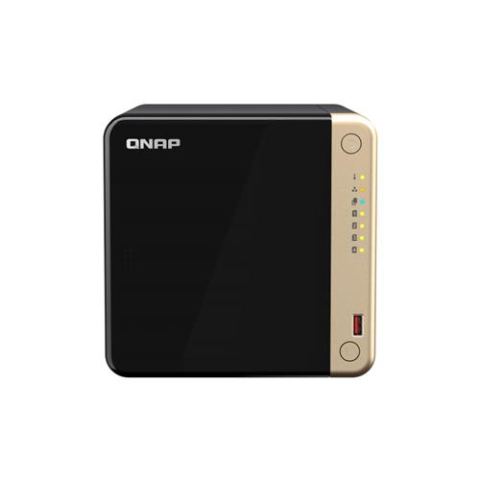
QNAP TS-464 NAS Tower Intel Celeron N5095 8 GB DDR4 0 TB QNAP QTS Black
Now £664.25
Was £850.82
at Quzo UK
Now £663.81
Was £828.99
At Quzo UK
In stock · Price checked 25 Nov 2026
View at Quzo UK (opens in a new tab)Links to shops are affiliate links: we may earn a commission if you buy, and it never changes the price you pay. How we make money
| Shop | Price | Stock | Last checked | Buy |
|---|---|---|---|---|
| Quzo UK |
Now £663.81
|
In stock | Checked 25 Nov 2026 | View at Quzo UK (opens in a new tab) |
Links to shops are affiliate links: we may earn a commission if you buy, and it never changes the price you pay. How we make money
Prices checked 25 Nov 2026
 −21% off
QNAP
Now £664.25
Was £850.82
at Quzo UK
 −28% off
 −27% off
Western Digital
Now £658.71
Was £910.99
at Quzo UK
 −27% off
Sandisk
Now £658.52
Was £905.99
at Quzo UK
 −31% off
Lacie
Now £669.82
Was £971.99
at Quzo UK
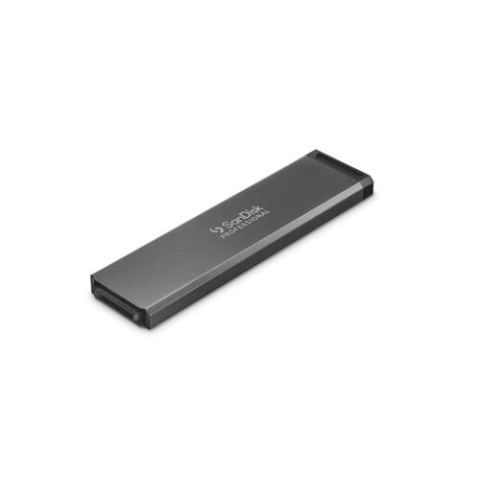 −24% off
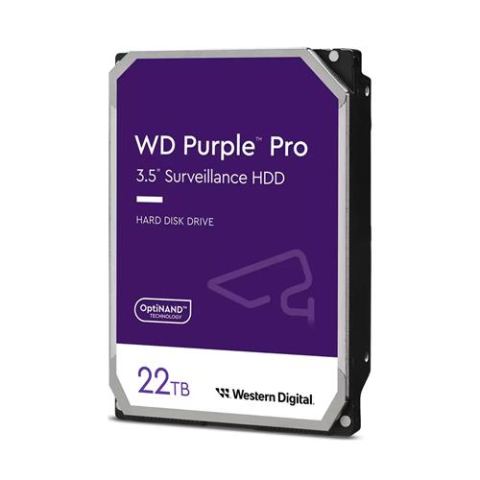 −34% off
Western Digital
Now £656.54
Was £1,009.45
at Quzo UK
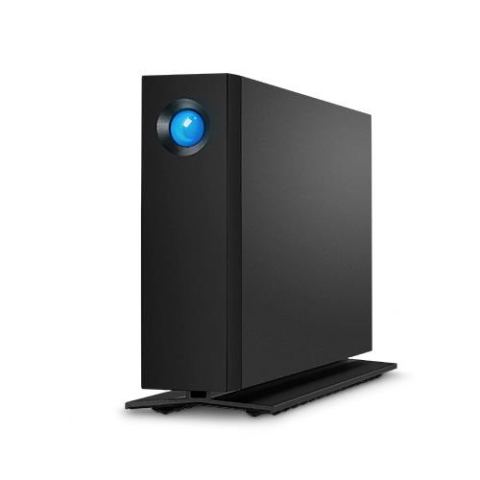 −32% off
Lacie
Now £672.15
Was £995.84
at Quzo UK
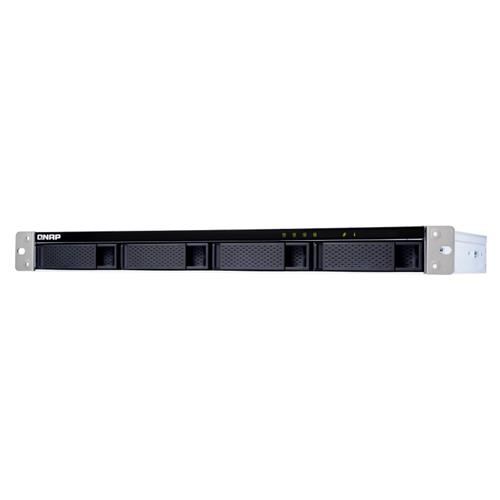
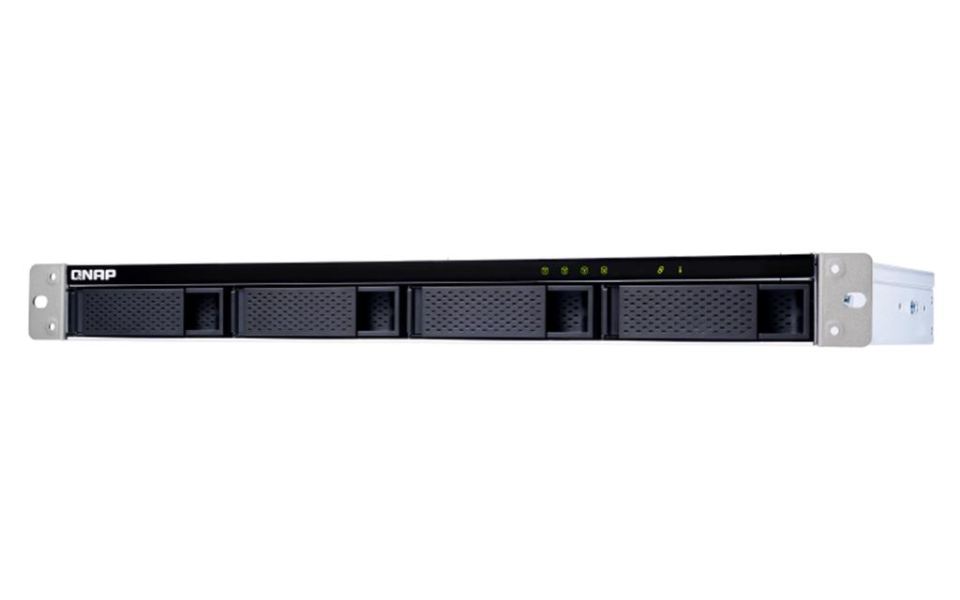
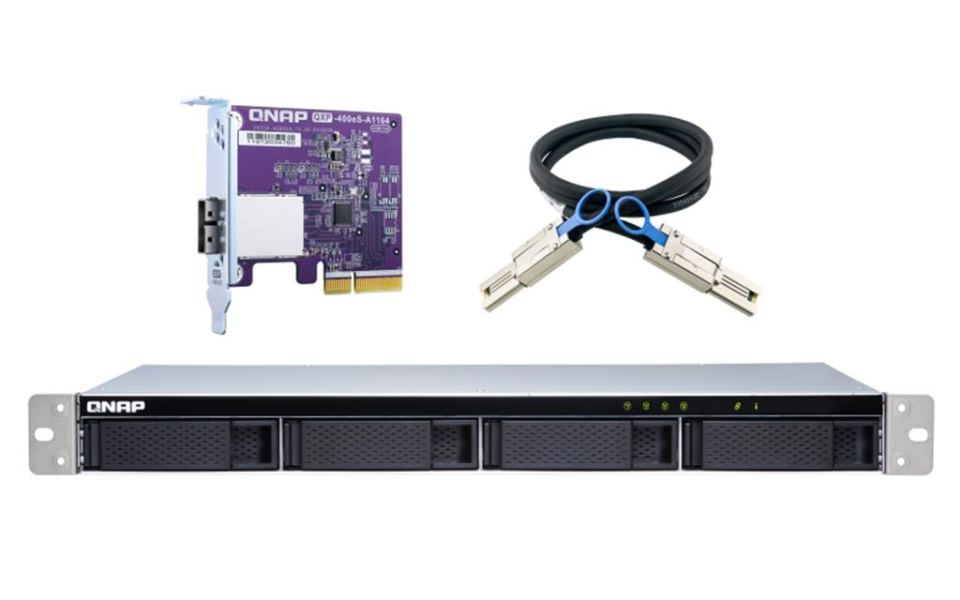
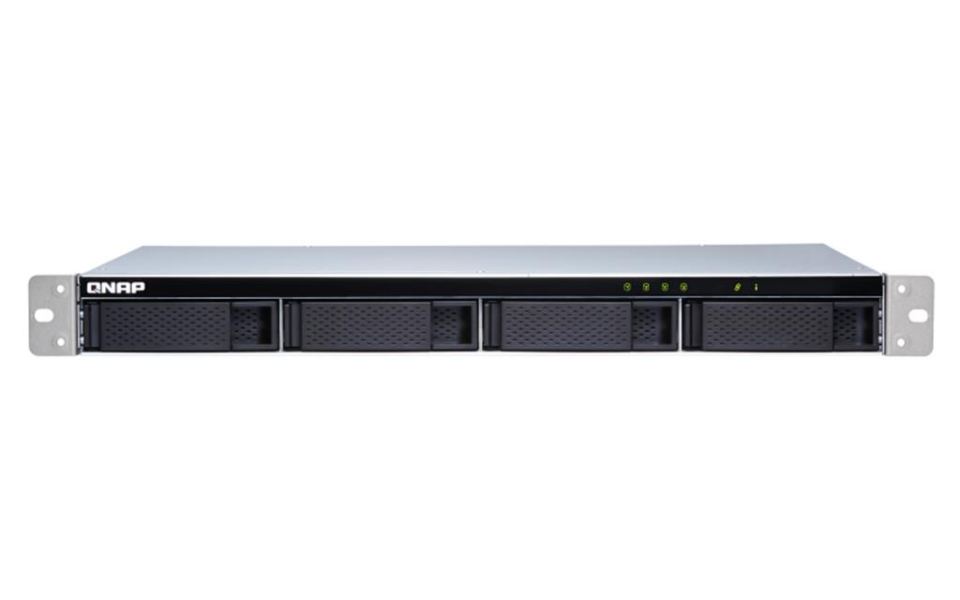
TL-R400S Rackmount JBOD storage enclosure allows you to back up and expand your QNAP NAS Windows and Ubuntu computers and servers. The TL-R400S features four 3.5-inch SATA 6Gb/s drive bays the shallow rack design is perfect for installing the TL-R400S in a compact rack or in areas with a lot of cabling. TL-R400S comes with a QXP PCIe card for connecting the enclosure using a SFF-8088 (or SFF-8644) cable. It provides reliable read/write performance for smooth storage and backup tasks. High-performance of TL SATA JBOD The TL SATA JBOD supports multi-lane SATA 6Gb/s transfer and each SATA lane directly connects to a single SATA drive to help improve performance. With the 1-1 high-speed channel the TL SATA JBOD delivers excellent transfer performance. Flexible Storage Configuration and Management The TL-R400S provides software-controlled storage configuration for greater management flexibility. You can configure RAID and monitor JBOD enclosure and disk health with Storage & Snapshots when connected to a QTS or QuTS hero NAS or with the QNAP JBOD Manager utility when connected to a computer. What you need to know You can connect your TL-R400S to Windows and Ubuntu computers and servers through the SFF-8088 (or SFF-8644) high-speed cable and use built-in utility to manage the RAID configuration. Intelligently Monitor JBOD Enclosure Status on PC and Servers with QNAP JBOD Manager The QNAP JBOD Manager is a desktop utility for monitoring the TL-R400S on Windows and Ubuntu computers. You can quickly obtain the disk statuses JBOD information and health view fan rotation speed and check for firmware version updates. All device events are recorded and will send desktop notifications when a system alert occurs. Flexibly Expand Connectivity with QXP PCIe Cards Install an exclusive QXP PCIe card onto your QNAP NAS Windows or Ubuntu PC and servers to connect the JBOD enclosure via SFF-8088 (or SFF-8644) cable for easy and flexible storage expansion. Versatile usage scenarios to meet storage expansion needs The TL-R400S meets many storage expansion requirements for the home and office. Below is a list of potential application scenarios: Scenario 1: Expand your NAS capacity The TL-R400S provides an alternative method for users to expand their NAS storage capacity. By connecting the TL-R400S to their NAS and using Storage & Snapshots Manager in QTS or QuTS hero users can easily configure and manage their storage expansion. The TL-R400S supports a variety of QNAP NAS storage and file management functions allowing users to build storage pools finding files with Qsirch and organizing files with Qfiling. Scenario 2: External storage for your NAS You can use the TL-R400S to expand your NAS storage. You can select disks to create storage pools for expanding your NAS capacity or you can treat each disk as an individual external storage space and use it as a removable drive for greater flexibility. Regardless of the mode you use you can always use Storage & Snapshots Manager in QTS or QuTS hero to set up and manage your TL-R400S and use hard drive S.M.A.R.T. and Notification Center to check disk status anytime and anywhere. Scenario 3: Expand the storage space of your Windows and Ubuntu computers and servers You can use your TL-R400S with Windows and Ubuntu computers and servers to expand more storage space. You can set up the RAID configuration of your TL-R400S to further secure data protection. Moreover you can also use the single disk mode and format with exFAT file system for more convenient access and sharing of files between Windows and Ubuntu computers. Scenario 4: Third-party hardware RAID card for advanced protection You can install third-party hardware RAID cards on your TL-R400S for advanced hardware RAID 1 RAID 5 RAID 6 RAID 10 RAID 50 and RAID 60 protection and use Windows utility software to manage your TL-R400S. TL-R400S Offers Better Performance Than Other USB and eSATA JBOD Solutions The TL-R400S features SFF-8088 (or SFF-8644) connectivity and multiple SATA 6Gb/s bays. This provides better sequential read performance and faster data transfer speeds than existing USB and eSATA expansion enclosures while also being a more economical option compared to a QNAP REXP SAS enclosure.
Xiaomi sells its Xiaomi, REDMI and POCO products in the UK through its own online store, mi.com/uk. What that store sells by category, what to check before you order (plug, warranty, 5G bands, SIM), and how AvihShopping lists it.
Today, 25 Nov 2026, the best price is £663.81 at Quzo UK.
Now £663.81
Was £828.99
Links to shops are affiliate links: we may earn a commission if you buy, and it never changes the price you pay. How we make money
Cookies on AvihShopping
We would like to use Google Analytics cookies to count visits and see which pages help. They stay off until you choose, and rejecting is as easy as accepting. Change your choice later under "Cookie settings" at the bottom of every page. Cookies policy
Strictly necessary — always on: they remember this choice in your browser.