 −13% off
Brother
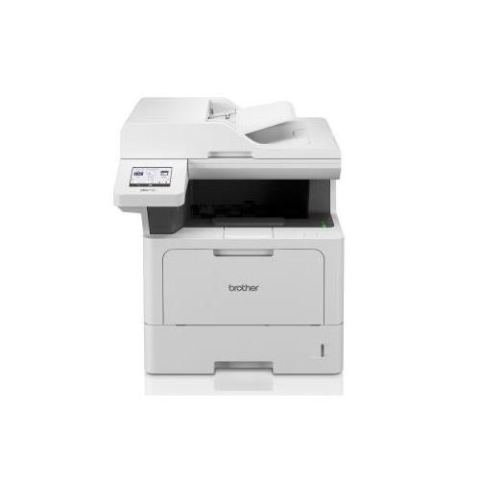
Brother MFC-L5715DN multifunction printer Laser A4 1200 x 1200 DPI 48 ppm
Now £678.15
Was £780.99
at Quzo UK
Now £679.91
Was £775.99
At Quzo UK
In stock · Price checked 25 Nov 2026
View at Quzo UK (opens in a new tab)Links to shops are affiliate links: we may earn a commission if you buy, and it never changes the price you pay. How we make money
| Shop | Price | Stock | Last checked | Buy |
|---|---|---|---|---|
| Quzo UK |
Now £679.91
|
In stock | Checked 25 Nov 2026 | View at Quzo UK (opens in a new tab) |
Links to shops are affiliate links: we may earn a commission if you buy, and it never changes the price you pay. How we make money
Prices checked 25 Nov 2026
 −13% off
Brother
Now £678.15
Was £780.99
at Quzo UK
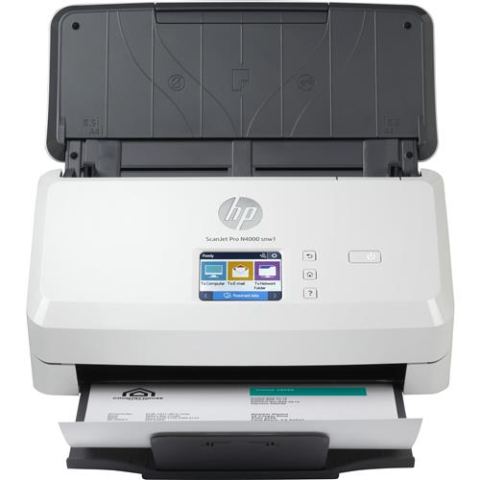 −27% off
HP
Now £683.58
Was £948.99
at Quzo UK
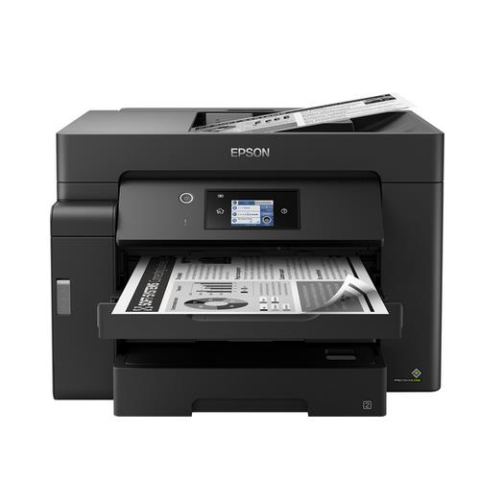 −31% off
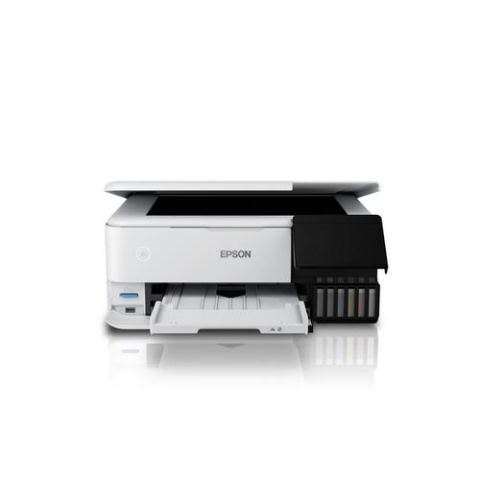 −28% off
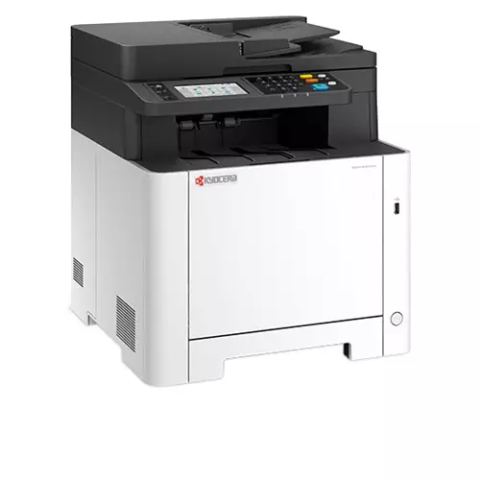 −13% off
Kyocera
Now £691.70
Was £801.99
at Quzo UK
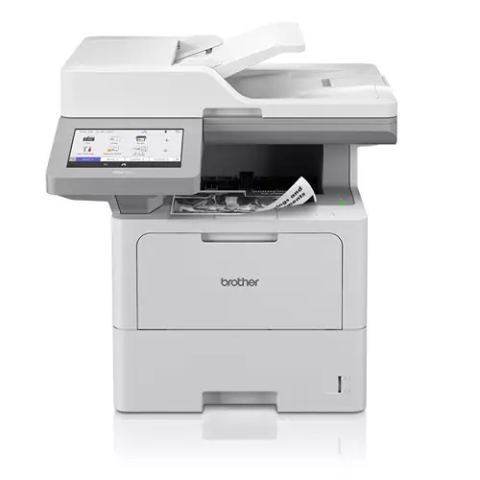 −27% off
Brother
Now £692.07
Was £949.99
at Quzo UK
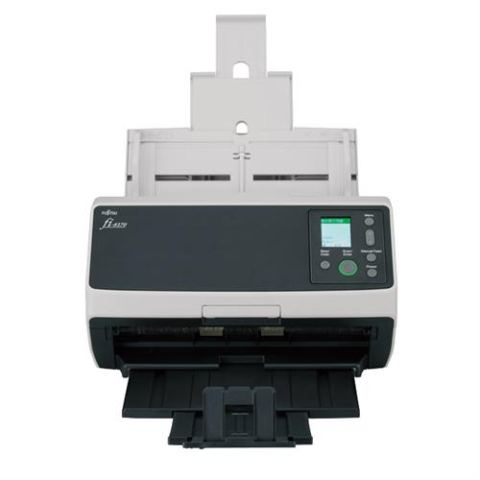 −21% off
Fujitsu
Now £692.16
Was £877.99
at Quzo UK
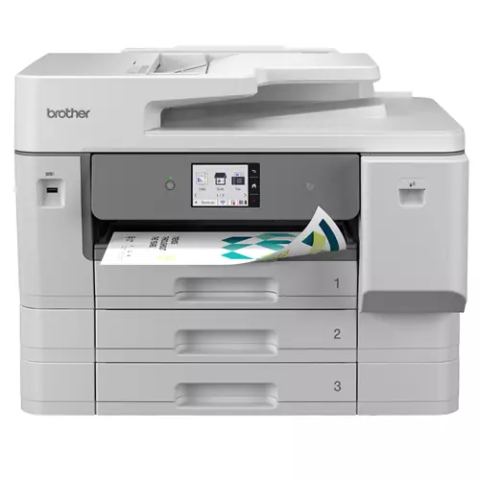 −33% off
Brother
Now £664.23
Was £991.99
at Quzo UK
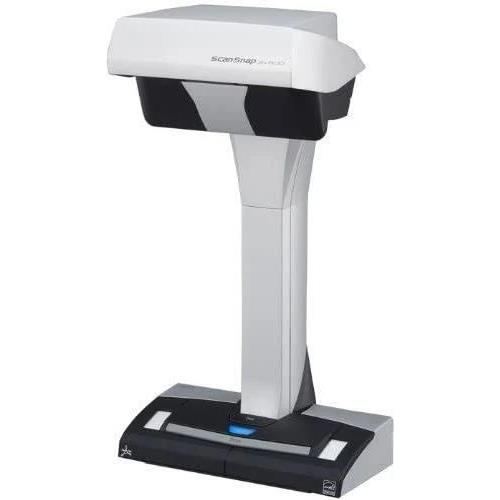
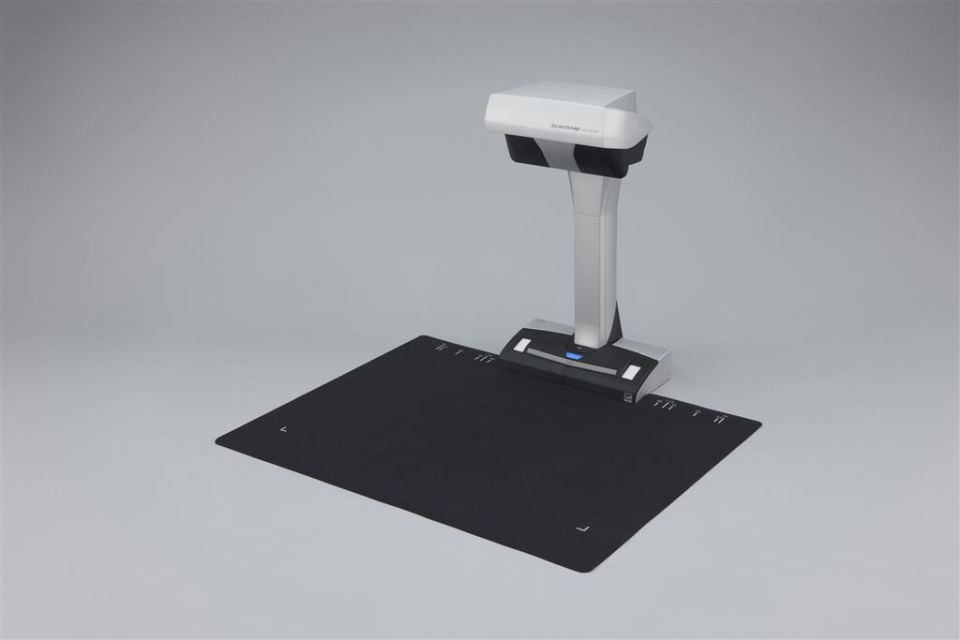
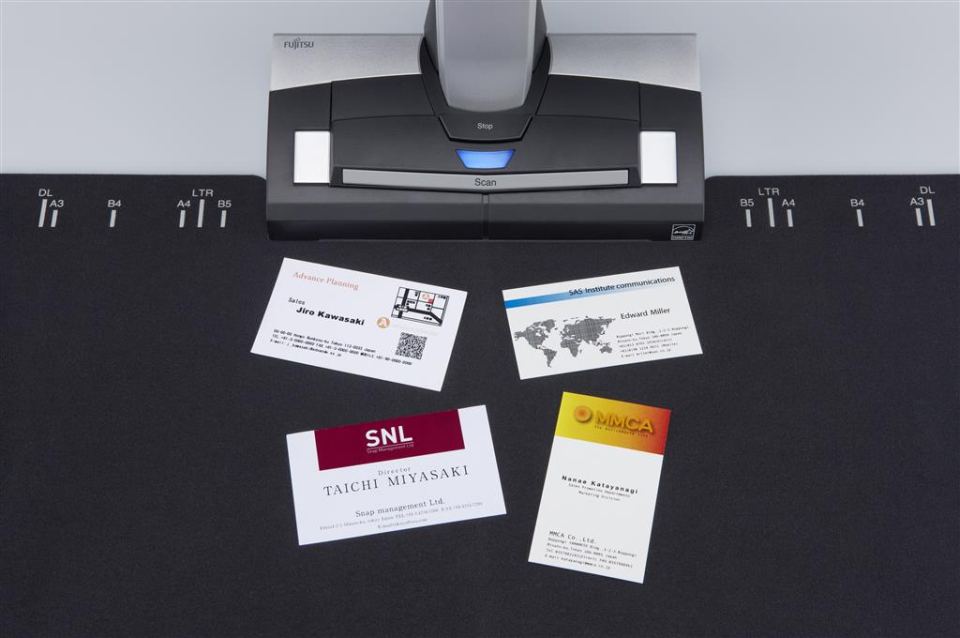
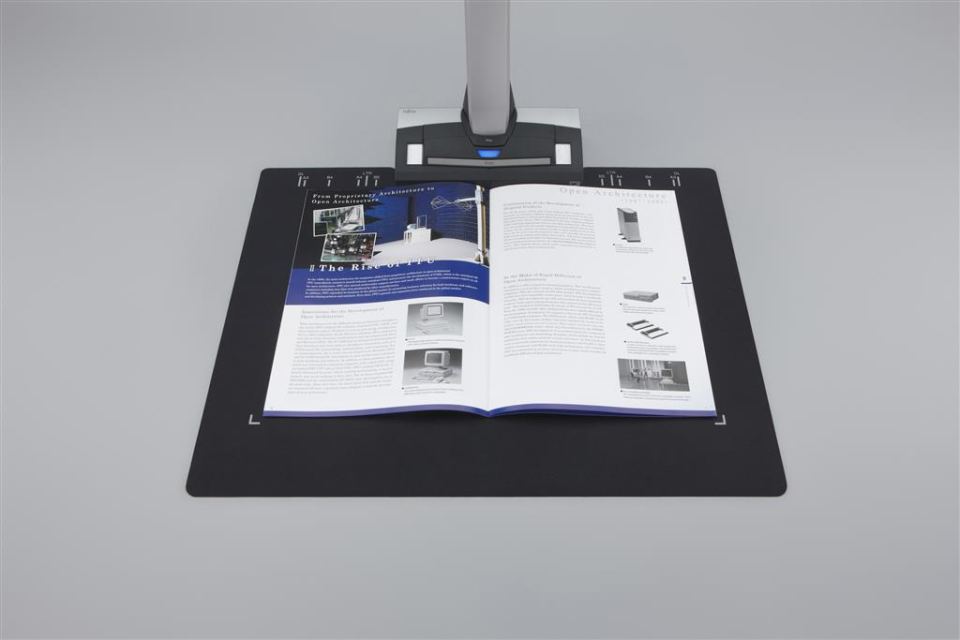
- One touch operation for PC and Mac - Scan a multitude of everyday documents including loose paper bound material and delicate items - Multi cropping capability allowing for scanning of various documents at the same time - Continuous scanning capability with page turning detection and timed scanning - VI technology helps minimise any unevenness in image quality - Correct distortion and curvature of bound material with Book Image Correction - Small footprint and robust design allows for easy positioning in any environment. Digitise anything with ease The ScanSnap SV600 allows you to scan newspapers bound documents magazines or books without the need for cutting or causing damage. Scan anything from business cards to A3 size (landscape)* documents Any documents larger than A4 such as maps historical documents and blueprints can be simply positioned on the black pad and scanned directly without any extra effort. User interaction retouch tool allows the possibility to hold the document in a good position without worrying about fingers on the scanned image. * The maximum document size will be 400 x 300 mm when the thickness of the document is over 5 mm. New VI technology Equipped with VI technology which combines a deep depth of field lens a CCD linear image sensor and a high directivity LED lamp the SV600 is able to comfortably minimise any unevenness in image quality and generate a smooth image even when scanning from a distance. No problem scanning bound documents The SV600 can comfortably scan books and magazines and also documents with sticky notes can be scanned without any issues. No need to worry about your delicate documents or books With VI technology scanning can be performed without touching the document. You do not need to worry that documents such as crayon or oil paintings pencil writings or photos will be damaged by touching. Long depth of field lens Wide auto focus area even when the focus distance is variable CCD linear image sensor Helps produce smooth images. The SV600 scans documents with a movable head and incorporates a High directivity LED lamp Helps maintain the same brightness level without any impact from surroundings. Smooth operation with the assistance of various functions The SV600 is enhanced with a host of customised features which helps continue ScanSnaps concept of being simple speedy and compact. Quick Menu facilitates operability ScanSnaps Quick Menu will automatically pop up after scanning enabling you to link your scanned data to an application both quickly and easily scan directly to the cloud for example thereby easily sharing your documents. ScanSnap SV600 includes Automatically crop several documents with Multiple Document Detection In just one touch you can capture multiple documents of differing sizes in just one scan pass. Place several business cards receipts and photos within the scanning area and the SV600 will capture all the documents and will intelligently crop to the exact size. * Up to 10 documents can be cropped automatically. At least 15 mm is needed between documents. Fast start up time and scanning speed lead to time savings and efficiencies The SV600 can be ready to scan in no time from power up and just 3 seconds is then required to scan an A3 landscape sized document. Compact design with a small footprint The SV600 is incredibly robust with a firm footing and is compact enough to enable efficient usage of your workspace without imposing to your daily routines when not in use. Scan with one touch! With a host of impressive features you can continuously scan multiple pages smoothly. Page Turning Detection Automatically detect when the page is turned. Timed Mode - You can set the time to start scanning after the Scan button is pressed. - For continuous scanning you can set the time interval before the next scanning to begin. Auto image correction; enhances the reading experience Book Image Correction Automatically correct distortion caused by the curve of an opened book or magazine. You can confirm and fine tune the scanned images on the preview dialog after scanning or have this be performed automatically. Book Image Correction Can easily correctdistortion of the document. User interaction retouch Finger images scanned while suppressing the document can be deleted with ease. ScanSnap Receipt * The ScanSnap Receipt software allows you to easily scan and extract information from your receipts and even export the data for tax filing. *Available via an online update only. ScanSnap Sync* With ScanSnap Sync built into ScanSnap Organizer software and the ScanSnap Connect app captured documents are automatically synchronized with all your devices through Dropbox Google Drive or Microsoft OneDrive. *Available via an online update only. The Nuance software allows users to read directly from cloud based applications and to save directly to those cloud based applications meaning that the possibility of using and sharing digital documents is extended. In case documents are intended to be managed locally ScanSnap Organizer will provide an ideal repository. This application plays an increasingly important role in the ScanSnap eco system especially when additionally utilising the recently introduced ScanSnap Sync functionality which allows for cross linkage from the ScanSnap Connect App to for example Dropbox to Nuance Power PDF or to ScanSnap Organizer.
Xiaomi sells its Xiaomi, REDMI and POCO products in the UK through its own online store, mi.com/uk. What that store sells by category, what to check before you order (plug, warranty, 5G bands, SIM), and how AvihShopping lists it.
Today, 25 Nov 2026, the best price is £679.91 at Quzo UK.
Now £679.91
Was £775.99
Links to shops are affiliate links: we may earn a commission if you buy, and it never changes the price you pay. How we make money
Cookies on AvihShopping
We would like to use Google Analytics cookies to count visits and see which pages help. They stay off until you choose, and rejecting is as easy as accepting. Change your choice later under "Cookie settings" at the bottom of every page. Cookies policy
Strictly necessary — always on: they remember this choice in your browser.