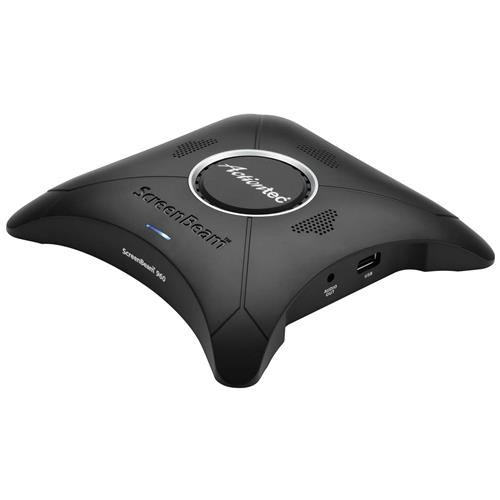
ScreenBeam 960 inc 2 Year Warranty AV receiver Black
Now £274.98
Was £417.99
At Quzo UK
In stock · Price checked 25 Nov 2026
View at Quzo UK (opens in a new tab)Links to shops are affiliate links: we may earn a commission if you buy, and it never changes the price you pay. How we make money
Where to buy
| Shop | Price | Stock | Last checked | Buy |
|---|---|---|---|---|
| Quzo UK |
Now £274.98
|
In stock | Checked 25 Nov 2026 | View at Quzo UK (opens in a new tab) |
Links to shops are affiliate links: we may earn a commission if you buy, and it never changes the price you pay. How we make money
Prices checked 25 Nov 2026
Key facts
- Price
- £274.98
- Shops
- 1 shop
- Sold at
- Quzo UK
- Brand
- SCREENBEAM
- Last checked
Get a price alert
Details
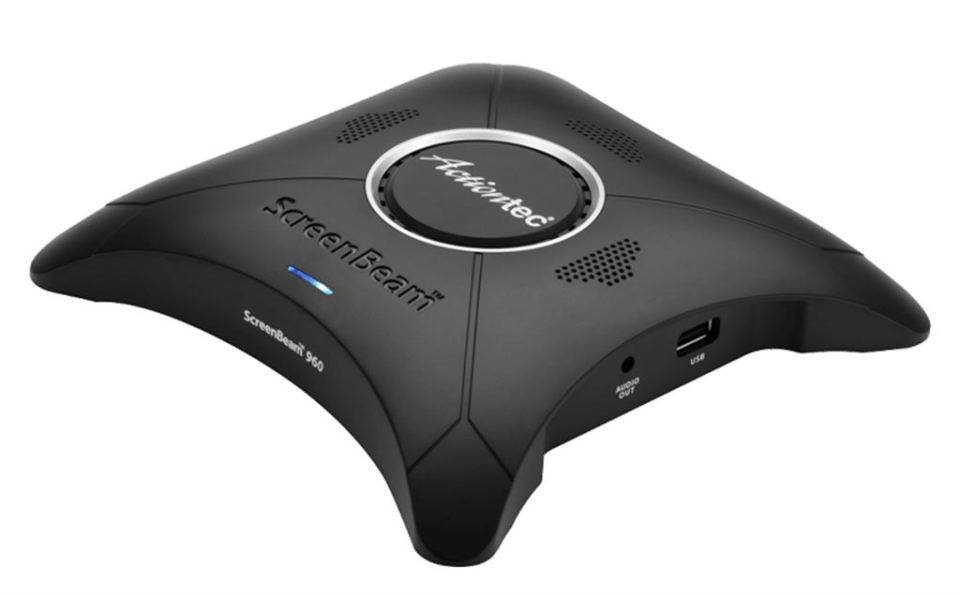
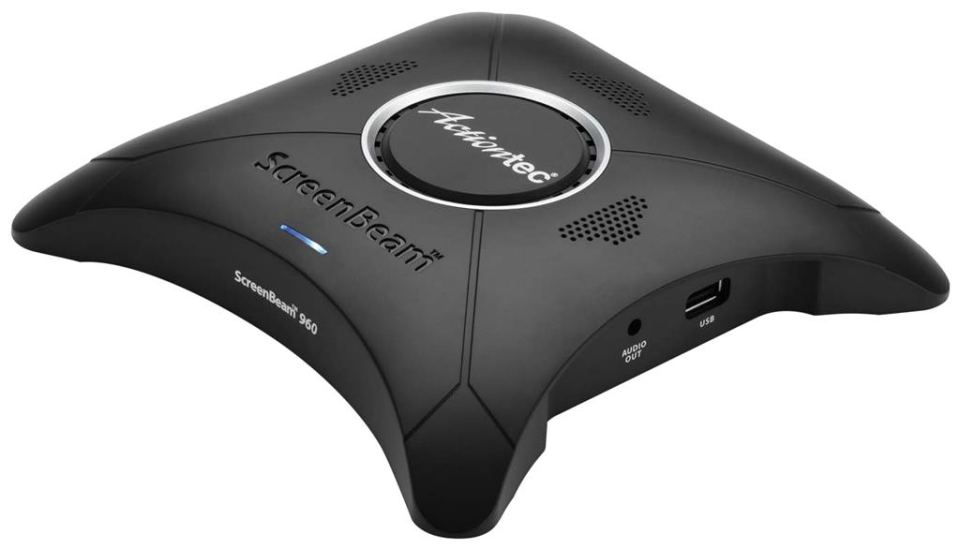
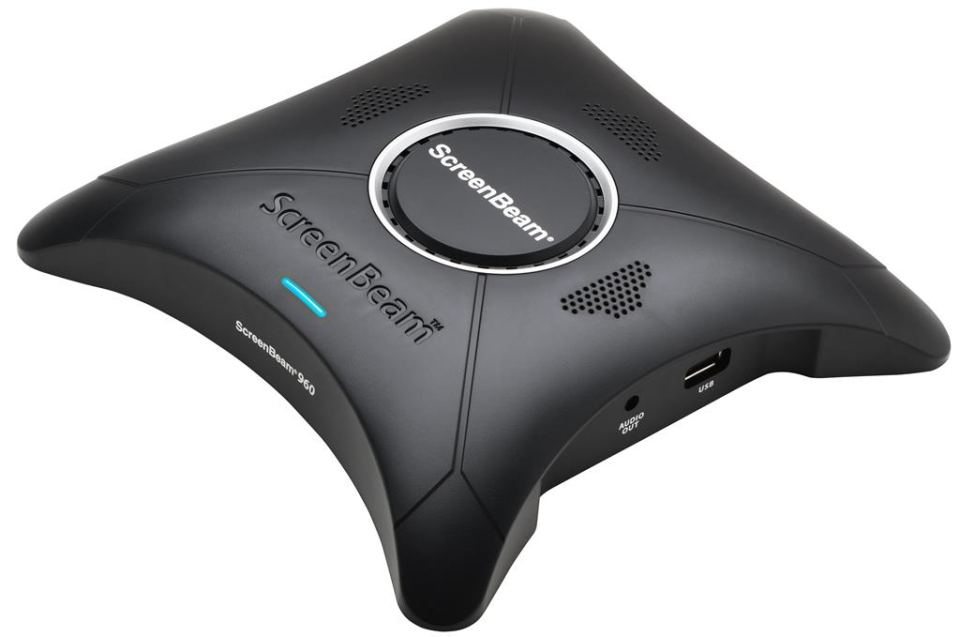
Modernize all your meeting spaces and classrooms with a wireless display receiver that supports native screen mirroring extended desktop and interactive touch displays.N/AN/AScreenBeam 960 wireless display receiver enables native screen mirroring from your Windows Android and Apple devices without apps or wires.N/AScreenBeam 960 makes it easy to connect your mobile device to the room display with a single click or swipe. Extended desktop maintains device use for other actions while presenting and support for interactive touch displays and wireless touch brings collaboration to the front-of-room display. Central Management System (CMS) software is included for remote management of receivers providing enterprise-class security and manageability that IT departments need.N/AN/AHow Miracast Is Digitally Transforming Meeting Spaces and ClassroomsN/AAchieve effective collaboration with touch displays and Windows InkN/AIncreasingly organizations are removing whiteboards from their meeting spaces and classrooms and installing interactive touch displays. Together ScreenBeam and Windows 10 maximizes that investment with support of Windows Ink which makes it simple to get your team members or students working together. Marking up content and images or creating sticky notes gets a point across efficiently. Then ScreenBeams unique support of touch displays allows all those annotations to be instantly captured and saved on the presenters Windows 10 device screen. Its that easy.N/AN/AExtended Desktop vs Mirror ScreenN/AScreenBeam offers extended mode so device is still usable for other actions.N/AUnlike other wireless display options ScreenBeam natively supports the Miracast standard built into Windows 10/8.1 so presenters can both wirelessly duplicate content on their screen to a display and use extended desktop. In extended mode a single extended screen is created between your device and the wireless display. Now the desktop and icon images are displayed on your notebook desktop or tablet while the background image (or wallpaper) is extended to the second display. You can interact with different content on each display. Use extend mode whenever you anticipate youll need your device for other actions such as quickly accessing your web browser or taking an important call!N/AN/AModern MeetingsN/AScreenBeam 960 transforms meeting rooms into collaborative work spaces by offering native screen mirroring from your Windows Apple and Android devices. ScreenBeam wireless display eliminates the frustration of finding cables or downloading apps so meetings start on time and switching presenters doesnt cause delays. Presenters can drive and interact with their content from anywhere in the room for improved meeting collaboration interaction and productivity. With support for the Miracast technology standard Windows device users enjoy extended desktop and touch display and Windows Ink support so annotations on the touch display are instantly captured and saved on the presenters device.N/AN/AInteractive ClassroomsN/AWhen teachers are free to move and interact with their students during lessons students are more successful. ScreenBeam wireless display makes teachers more accessible making it easier to observe student reaction identify issues and help off-task students refocus without singling them out. ScreenBeam allows teachers to approach teaching and learning from a visual perspective embedding learning at a deeper level and making learning more enjoyable. When teachers combine OneNote and ScreenBeam technology they can share their notes presentations and more directly to student devices or classroom display and increase classroom collaboration.N/AN/ASpecifically Designed For Enterprise EnvironmentsN/AScreenBeam 960 was specifically designed to address the needs and demands of modern enterprises. It delivers connectivity in dense wireless environments access control configurability security and management as well as easy help-desk support that businesses need to stay productive with wireless display. This fully integrated enterprise class platform boasts .11ac and .11n dual radios Ethernet HDMI VGA In and VGA out interfaces. Extensive mounting and placement options give IT professionals flexibility to mount to ceilings tables or hidden locations. VGA input gives back the capability for non-wireless clients to connect the old way. ScreenBeam 960 helps eliminate cable clutter while also making it easy for users to seamlessly connect and share content.N/AN/ADevice Management for IT TeamsN/AScreenBeam Central Management System (CMS) is included with the ScreenBeam 960 with a free perpetual license for the life of the product. CMS includes a software that enables IT to easily deploy manage remotely configure group customize apply policies and push device firmware updates to all ScreenBeam receivers within the network. With the free ScreenBeam local management console included in the receiver set up is simple. Users may rename a receiver manage display ports or change the PIN pairing password and much more.
Price history
Today, 25 Nov 2026, the best price is £274.98 at Quzo UK.
Now £274.98
Was £417.99
Links to shops are affiliate links: we may earn a commission if you buy, and it never changes the price you pay. How we make money