ScreenBeam Administrative Tools Bundle 1 license(s) 1 year(s)
Now £101.10
Was £138.99
At Quzo UK
In stock · Price checked 24 Nov 2026
View at Quzo UK (opens in a new tab)Links to shops are affiliate links: we may earn a commission if you buy, and it never changes the price you pay. How we make money
Where to buy
| Shop | Price | Stock | Last checked | Buy |
|---|---|---|---|---|
| Quzo UK |
Now £101.10
|
In stock | Checked 24 Nov 2026 | View at Quzo UK (opens in a new tab) |
Links to shops are affiliate links: we may earn a commission if you buy, and it never changes the price you pay. How we make money
Prices checked 24 Nov 2026
Key facts
- Price
- £101.10
- Shops
- 1 shop
- Sold at
- Quzo UK
- Brand
- SCREENBEAM
- Last checked
Get a price alert
Details
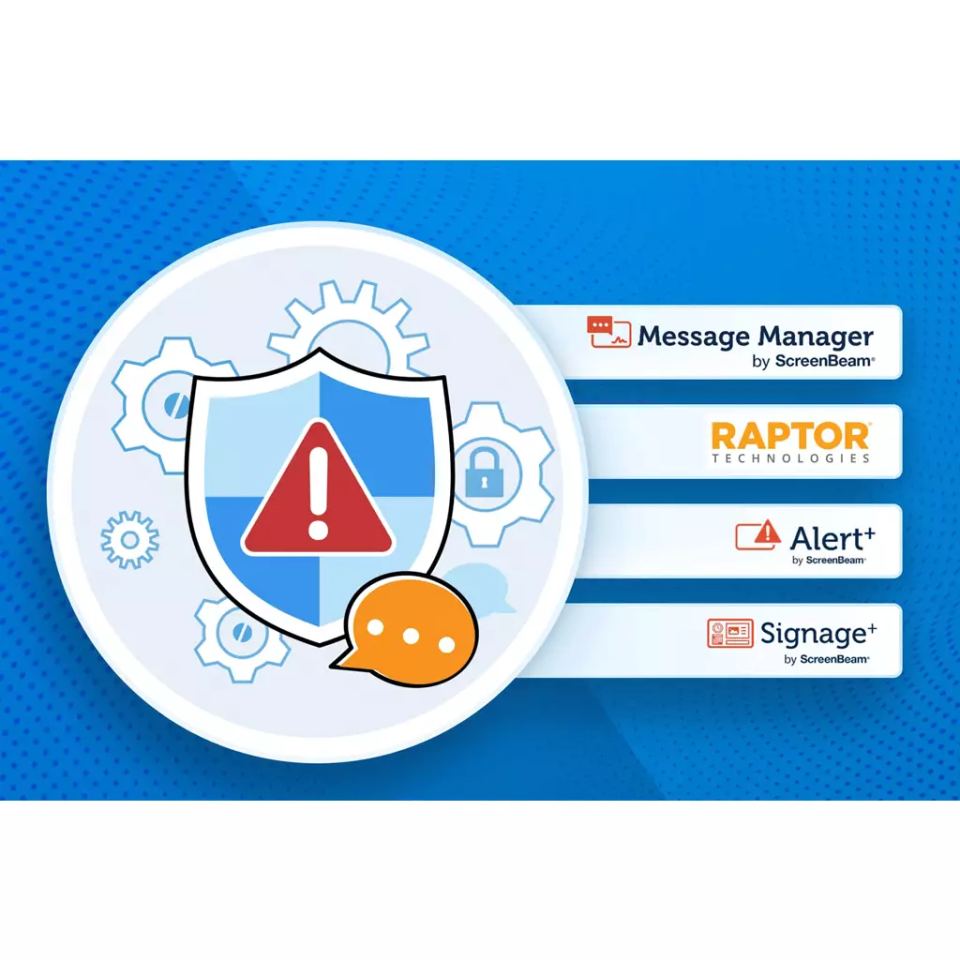
Turn Every Display Into a Communication Endpoint Administrative Tools transform ScreenBeam wireless display into a unified communication platformdelivering digital signage routine messaging and emergency alerts across every connected screen from one cloud console. No standalone signage players. No separate alerting infrastructure. No fragmented communication systems. Built for IT teams administrators and safety staff Administrative Tools extend the value of existing ScreenBeam deployments without adding operational complexity. One Platform. Three Administrative Tools. Signage+ by ScreenBeam Schedule and manage digital signage across ScreenBeam-connected displays. Supports Canva Google Slides PowerPoint HTML5 video and live data feeds. Message Manager by ScreenBeam Send non-emergency messages to individual rooms groups buildings or entire campuses. Ideal for announcements schedule changes and operational updates. Alert+ by ScreenBeam Deliver emergency alerts that instantly override active content across every screen. Integrates with Raptor Technologies Centegix Singlewire InformaCast and CrisisGo. All three tools are managed through one cloud console with role-based access giving IT centralized control while allowing departments to manage their own communication workflows. How it Works Administrative Tools activate directly on existing ScreenBeam receiversno additional hardware software installs or dedicated signage players required. Signage+ delivers scheduled content to displays throughout the dayannouncements menus event information branding. Message Manager pushes targeted non-emergency updates to specific rooms or groups as needed. When an emergency occurs Alert+ overrides everythingevery screen shows the alert instantly. After the all-clear displays return to their normal signage and messaging schedule automatically. One platform. One console. Every screen accounted for. Why Standalone Signage Systems Fall Short Most organizations manage communication through disconnected systems: - Separate signage platforms - Dedicated signage players - Independent emergency notification systems - Multiple dashboards and vendors Administrative Tools simplify everything by turning existing ScreenBeam-enabled displays into managed communication endpoints. Instead of layering additional systems onto existing infrastructure organizations can manage signage messaging and alerts from a single platform already deployed across classrooms meeting rooms and shared spaces. - No additional hardware - No additional vendors - Independent emergency notification systems - No unused displays sitting dark between meetings or classes Designed for Operations Not Just Content Administrative Tools are built for the people who keep campuses and organizations running: IT administrators front office staff facilities teams and safety officers. The tools are not a content marketing platform or a consumer-grade signage product. Theyre operational infrastructure. Role-based access ensures the right people manage the right content. IT controls the platform. Administrators manage messaging. Safety teams own alerting. Nobody has to wait for IT to post a snow day announcement or update a cafeteria menu. What Administrative Tools Make Possible Reach every screen not just the ones in hallways. Traditional signage stops at lobbies and corridors. Administrative Tools reach classrooms conference rooms and shared spacesanywhere a ScreenBeam receiver is connected. Consolidate three systems into one. Signage routine messaging and emergency alerting from a single cloud console. One vendor. One login. One management layer. Deploy without new hardware. If ScreenBeam receivers are already installed Administrative Tools activate with a license and a firmware update. No additional players no additional wiring. Respond instantly in emergencies. Alert+ overrides all active content across every screen simultaneously. Integrations with Raptor Technologies Centegix Singlewire InformaCast and CrisisGo mean alerts can trigger automatically from existing safety platforms. Keep displays working when no one is presenting. Screens that would otherwise sit idle between meetings or classes become active communication surfacesdisplaying signage announcements and real-time information. Scale without complexity. Add displays incrementally. Manage one building or an entire district from the same console. Role-based access grows with the organization. Designed for Real Environments K12 Education Centralize communication across classrooms cafeterias hallways and front offices without deploying separate signage systems. Common use cases: - Daily announcements - Cafeteria menus - Schedule changes - Event promotion - Visitor wayfinding - Alyssas Law and CAP compliance - Emergency alerts Higher Education Unify communication across large campus environments while simplifying AV and IT operations. Common use cases: - Campus-wide signage - Room-specific announcements - Operational updates - Event communication - Emergency notification - AV operations consolidation Enterprise Extend communication into meeting rooms huddle spaces lobbies and shared environments that traditional signage and email often miss. Common use cases: - Daily announcements - Cafeteria menus - Schedule changes - Event promotion - Visitor wayfinding - Alyssas Law and CAP compliance - Emergency alerts
Price history
The price has been £101.10 since 24 Nov 2026.
Now £101.10
Was £138.99
Links to shops are affiliate links: we may earn a commission if you buy, and it never changes the price you pay. How we make money