Startech
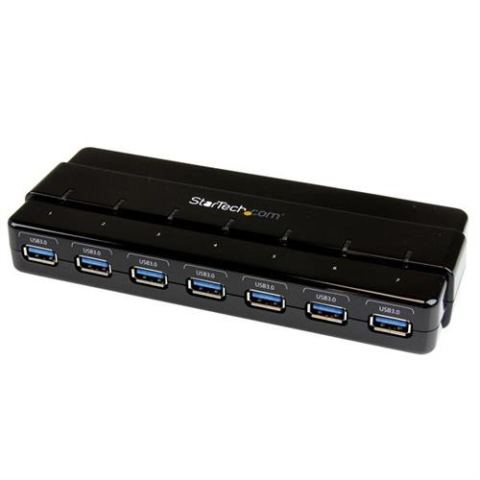
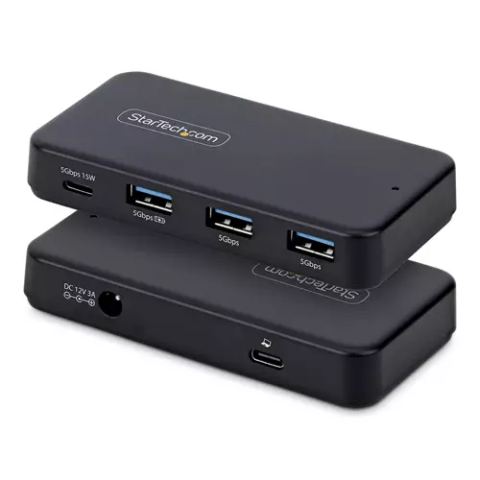
StarTech.com 4-Port USB-C and USB-A Hub 5Gbps Self-Powered 2-in-1 USB-C and USB-A Host Cable 1x USB-C and 3x USB-A (1x BC 1.2) 36W Power Adapter Included
Now £62.34
Was £78.99
at Quzo UK
Now £62.32
Was £97.99
At Quzo UK
In stock · Price checked 25 Nov 2026
View at Quzo UK (opens in a new tab)Links to shops are affiliate links: we may earn a commission if you buy, and it never changes the price you pay. How we make money
| Shop | Price | Stock | Last checked | Buy |
|---|---|---|---|---|
| Quzo UK |
Now £62.32
|
In stock | Checked 25 Nov 2026 | View at Quzo UK (opens in a new tab) |
Links to shops are affiliate links: we may earn a commission if you buy, and it never changes the price you pay. How we make money
Prices checked 25 Nov 2026
Startech
Now £62.34
Was £78.99
at Quzo UK
Lenovo
Now £62.45
Was £98.99
at Quzo UK
UGREEN
Now £55.24
Was £86.99
at Quzo UK
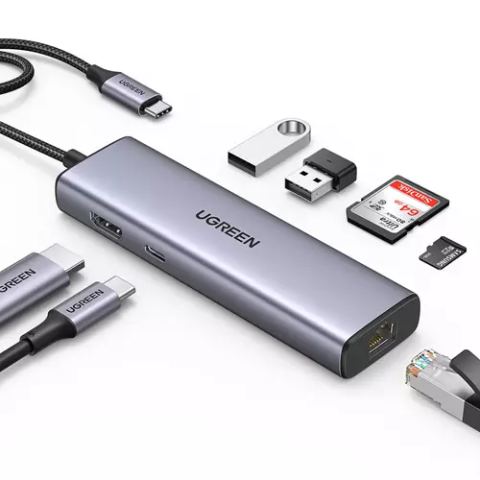
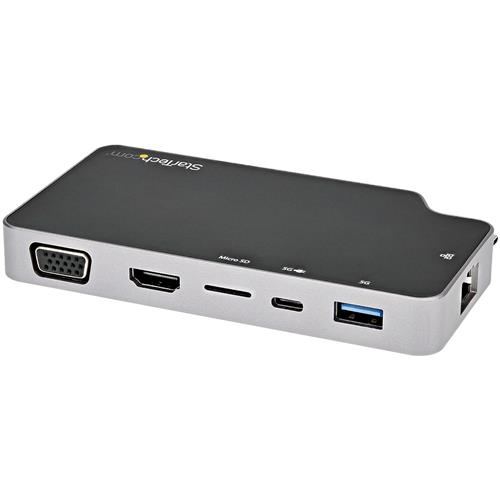
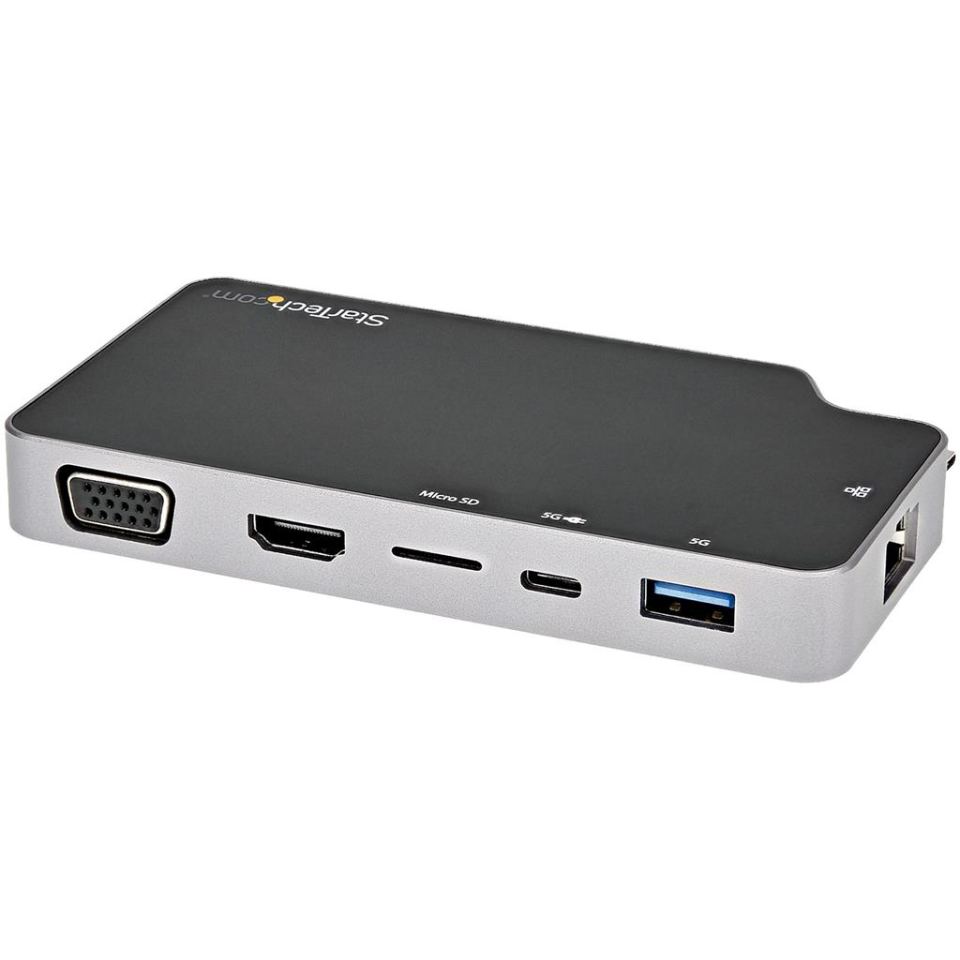
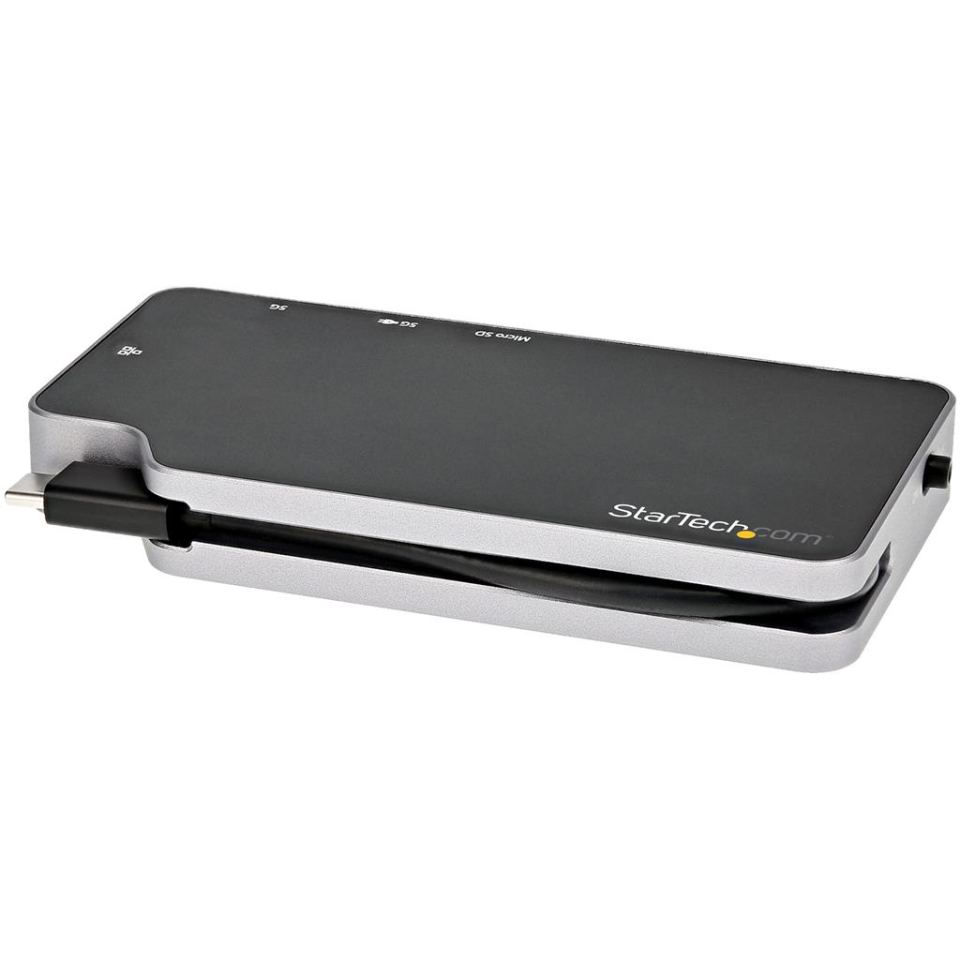
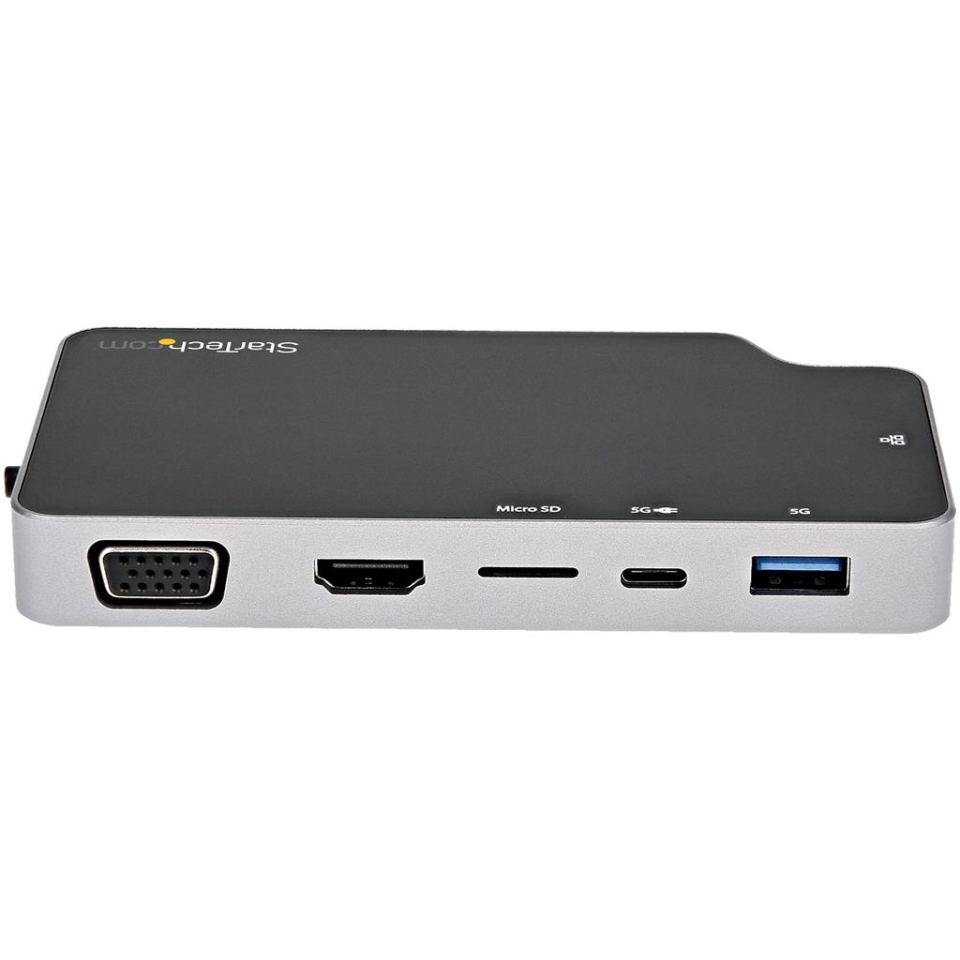
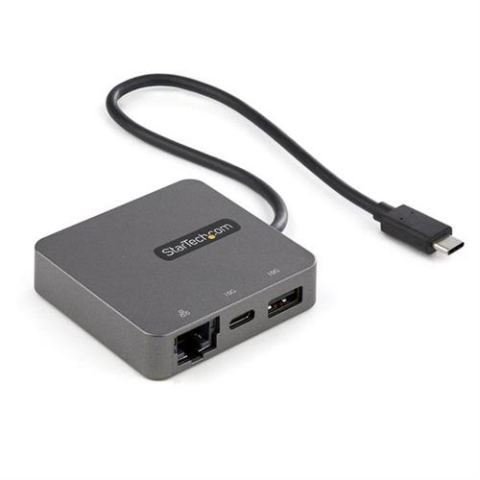
USB-C Multiport Adapter | USB 3.2 Gen 2 (10Gbps) | 4K HDMI or 1080p VGA | Presentation Mode Switch | 100W PD 3.0 Pass Through This USB-C multiport adapter with HDMI/VGA lets you add vital connections to your MacBook or Windows laptop through a single USB-C port. The adapter features a presentation mode switch that when activated ensures the computer will not go into sleep standby or hibernation. Connect a 4K HDMI or 1080p VGA Monitor For maximum productivity connect your USB-C or Thunderbolt 3 laptop to a 4K 30Hz monitor using this USB-C to 4K HDMI / 1080p VGA multiport adapter. You can also connect to an HDMI projector or TV in a boardroom or other meeting space to deliver presentations on a shared screen. Presentation Mode Switch When you turn on this switch the USB-C to HDMI adapter prevents your computer from launching its screen saver going to sleep or entering power save mode while presenting. Plus the built-in MicroSD card reader can be used as external storage - ideal for storing & delivering presentations at boardroom/conference room meetings. Left Switch Position: Enables Presentation Mode Right Switch Position: Disables Presentation Mode 100W Power Delivery 3.0 Passthrough The USB-C adapter lets you power and charge your USB-C laptop during a presentation or while you're working with a USB-C Power Delivery port. Even if your laptop has only a single USB-C port available you can keep your laptop powered. Device reserves 15 watts avoiding video flicker device dropouts and power overdraw which is commonly seen in other hubs with less reliable power distribution. Add Downstream USB-A & USB-C Ports This USB-C multiport adapter offers a USB 3.2 Gen 2 Type-A port (10Gbps) and a USB-C 3.2 Gen 2 port that can be used for power delivery charging or if power delivery is not required can be used as a 10Gbps data port for connecting USB-C peripherals. MicroSD 4.0 Card Reader This USB-C multiport adapter features a memory card slot providing fast read and write access for microSD memory cards through USB 3.0. It's ideal for transferring photos videos or presentations from your SD cards to your USB-C enabled laptop or tablet. Portable & Compact The compact all-in-one adapter is a vital accessory for your USB-C laptop. With its small-footprint design you can take it with you anywhere you would use your laptop. CDP2HVGUASPD is backed by a StarTech.com 3-year warranty and free lifetime technical support. Note: To ensure full adapter functionality your laptop's USB-C port must support USB Power Delivery 3.0. The StarTech.com Advantage
Xiaomi sells its Xiaomi, REDMI and POCO products in the UK through its own online store, mi.com/uk. What that store sells by category, what to check before you order (plug, warranty, 5G bands, SIM), and how AvihShopping lists it.
Today, 25 Nov 2026, the best price is £62.32 at Quzo UK.
Now £62.32
Was £97.99
Links to shops are affiliate links: we may earn a commission if you buy, and it never changes the price you pay. How we make money
Cookies on AvihShopping
We would like to use Google Analytics cookies to count visits and see which pages help. They stay off until you choose, and rejecting is as easy as accepting. Change your choice later under "Cookie settings" at the bottom of every page. Cookies policy
Strictly necessary — always on: they remember this choice in your browser.